
ECUpark & ECUpacket Software Download
One software installation package for ECUpark ECU Programmer and the ECUpacket 3 + 4 hardware bundle.
Both products share the same software installer. Access the online installation files or watch the software setup tutorial below.
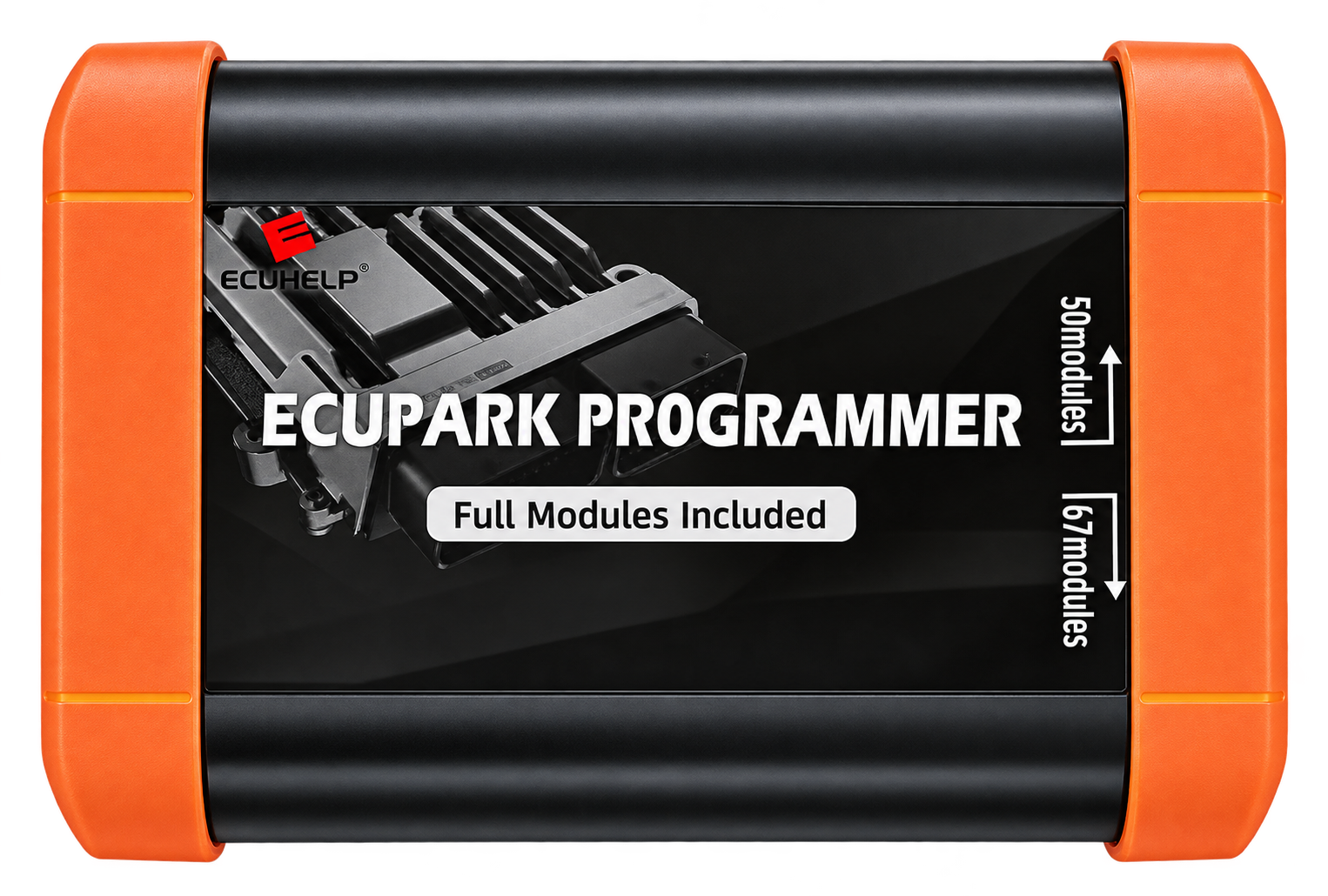
One Software Package · Two Hardware Solutions
Software Installer Included with Your Order
ECUpark ECU Programmer and ECUpacket 3 + 4 are shipped with a USB flash drive containing the software installation package. The same installation files are also available through the online download link on this page.
USB Flash Drive in Your Package
Your product shipment includes a USB flash drive with the shared software installer. You can use the included USB drive to access the installation files when setting up your ECUpark or ECUpacket hardware.
Lost Your USB Drive?
If you lose the included USB flash drive or need another copy of the installer, you can download the software package from our online MEGA folder. The installation package is relatively large. Please use a stable internet connection.
Open Online Software Folder →One Software Installer for Two Hardware Solutions
ECUpark ECU Programmer and ECUpacket 3 + 4 use the same software installation package. You do not need to search for separate installation files for these products.
ECUpark ECU Programmer
ECUpark ECU Programmer provides hardware support for professional ECU and TCU programming using PCMflash software. Explore its product specifications, features and available programming modules.
Explore ECUpark Product →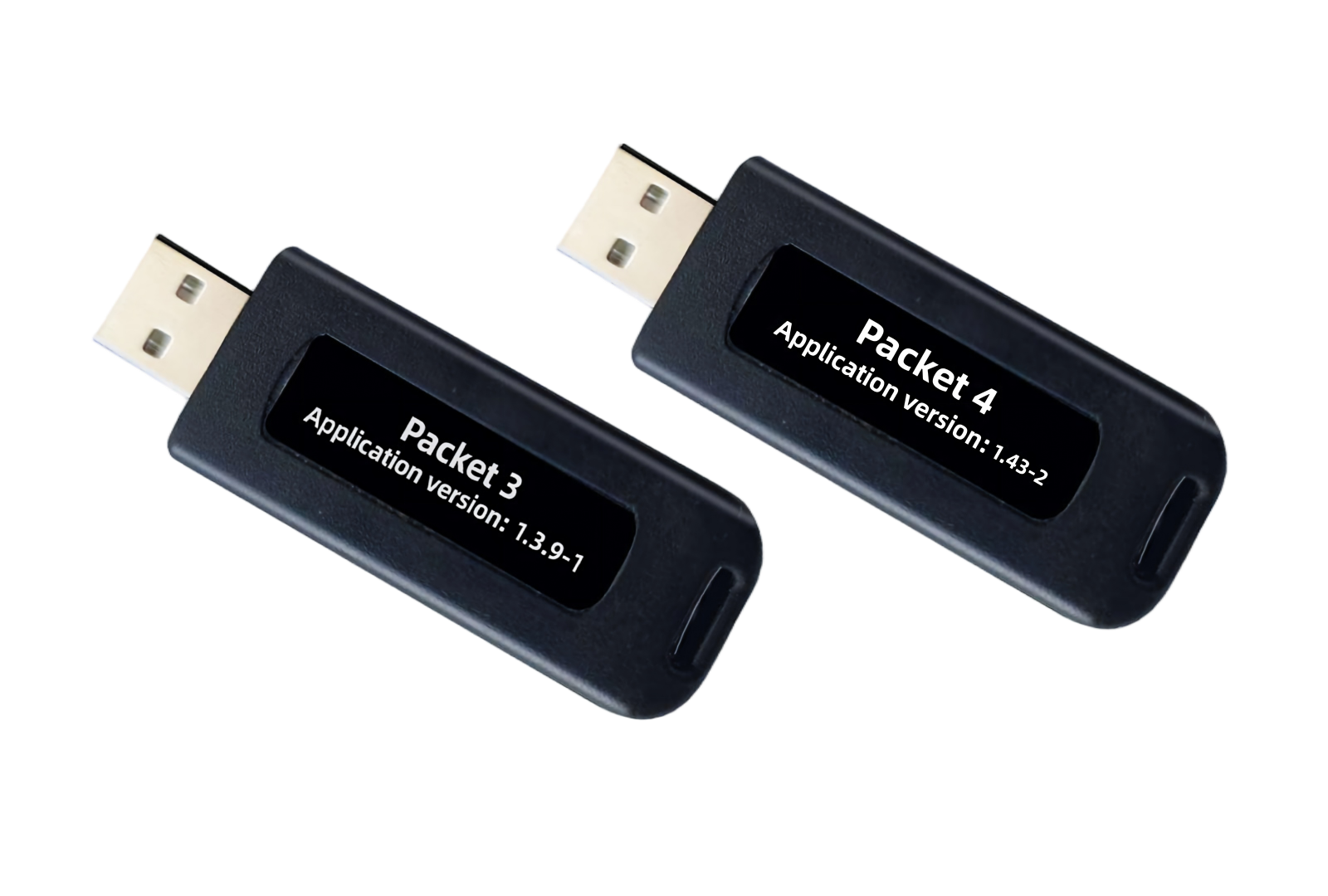
ECUpacket Packet 3 + Packet 4
The ECUpacket 3 + 4 combination uses the same software installation package as ECUpark ECU Programmer. Check the dedicated ECUpacket compatibility list for its supported PCMflash modules and ECU/TCU protocols.
View ECUpacket Support List →Software compatibility: The software installation package is shared. Available programming operations depend on the connected hardware and its supported PCMflash modules and protocols.
Download ECUpark & ECUpacket Software
Access the shared software installation package through our MEGA download folder. Use this online resource if you need to download or retrieve the installation files.
ECUpark / ECUpacket Software Installer
The same software installation files are used for ECUpark ECU Programmer and the ECUpacket 3 + 4 bundle. Click below to open the software download folder on MEGA.
Open Software Download on MEGA ↗Download reminder: The installation package is relatively large. A stable internet connection is recommended. The download opens on the external MEGA platform.
ECUpark Software Installation Tutorial
Need help installing the shared ECUpark and ECUpacket software package? Watch the installation tutorial to follow the demonstrated setup process.
You can use the installation files from your included USB flash drive or retrieve another copy through the online MEGA link. Allow the download to finish before starting the installation process.
Watch Installation Tutorial ↗Software Installation Video
Open the installation tutorial hosted on MEGA to learn how to set up the shared software package.
Open Video Tutorial ↗How to Get Started
Follow these steps to access the software resources for your ECUpark or ECUpacket hardware.
Get the Installation Files
Use the USB flash drive included in your product package or download the shared installer from the online software folder.
Watch the Installation Guide
Open the software installation tutorial and follow the demonstrated setup procedure.
Check Your Supported Modules
Before ECU or TCU programming, confirm the supported vehicle, ECU model and PCMflash module for your hardware.
Check Supported Vehicles →ECUpark Software Download FAQ
Do ECUpark Programmer and ECUpacket use the same software?
Yes. ECUpark ECU Programmer and the ECUpacket Packet 3 + Packet 4 combination use the same software installation package. Their supported modules and programming operations depend on the connected hardware.
Is the software included with my order?
Yes. The product shipment includes a USB flash drive containing the software installation package.
What should I do if I lose the included USB drive?
You can download the shared installation files through the MEGA software folder provided on this page.
Why does the software download take time?
The installation package is relatively large. Download time depends on your internet connection and the external download platform.
Where can I watch the installation tutorial?
Use the software installation video link on this page to access the tutorial hosted on MEGA.
Where can I check supported PCMflash modules?
Visit the ECUpark Supported Vehicles and Protocols page to search the ECUpark Programmer and ECUpacket compatibility lists.
Explore More ECUpark Resources
Find detailed product specifications, professional programming features and supported ECU/TCU protocols.
ECUpark Product
Explore the ECUpark ECU Programmer, its hardware package and the ECUpacket 3 + 4 combination.
View ECUpark Product →ECUpark Features
Learn about ECU reading, writing, cloning, repair and supported OBD, Bench and Boot operations.
Explore ECUpark Features →Supported Vehicles
Search ECUpark and ECUpacket compatible vehicles, ECU/TCU models and PCMflash programming modules.
Check Supported Vehicles →Need Help with ECUpark Software?
If you need assistance with software installation or have questions about ECUpark and ECUpacket compatibility, contact the ECUHELP team.
Interested in ECUpark ECU Programmer?
Visit Official ECUpark Purchase Page →